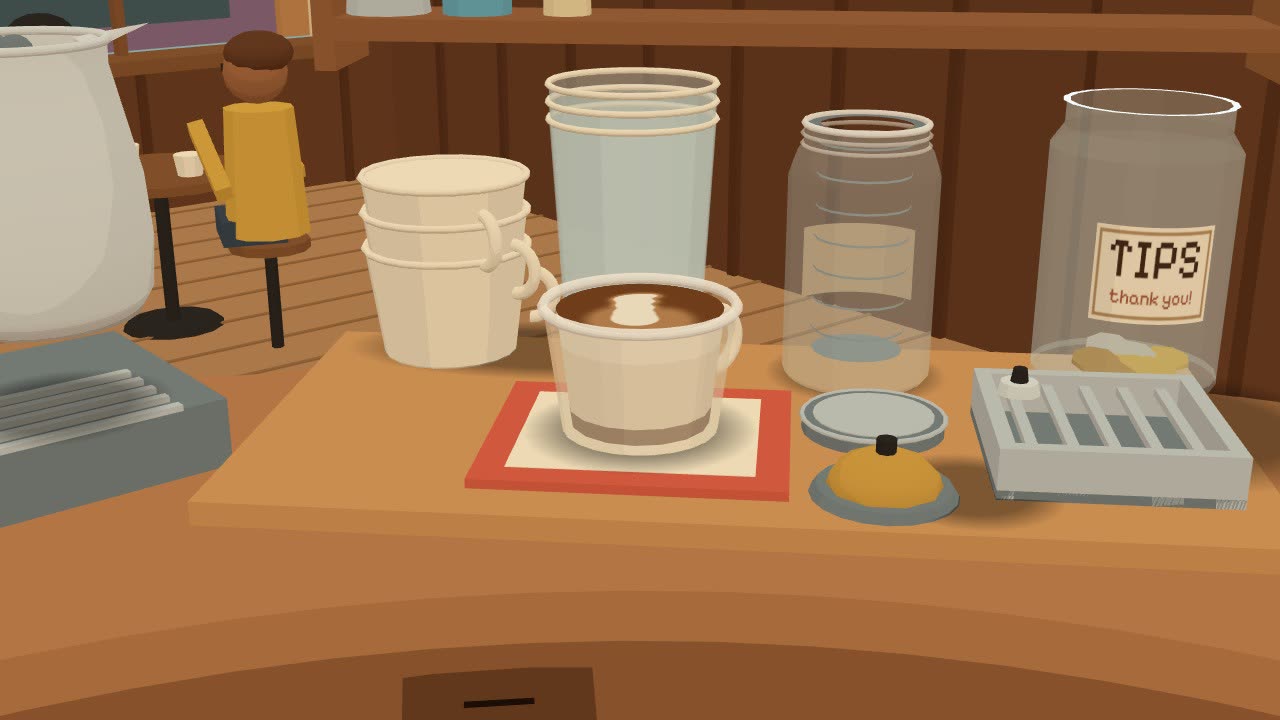
Cuppology is a free, cozy 3D barista simulator that runs in your browser. Use café equipment by hand to make 95 drinks, including espresso, latte, matcha latte and cold brew.
Grind coffee, tamp grounds, pull espresso shots, steam milk and whisk matcha. No download or account is required.
Drag the room to turn the view. Tap a machine to see its station up close.
Tap a tool to pick it up. Tap its destination to put it down. You can also drag tools into place.
Hold the grinder button to grind. Release it to stop.
Hold a milk carton, pitcher or kettle over its destination to pour. Release it to stop.
Tap the brew button to start the shot. Tap it again to stop.
Tap the steam knob to start or stop steaming. Tap the pitcher on the wand to change the tip depth.
Swipe down, pinch or press Escape to leave a close-up.
Keyboard controls
Press Tab to reach the bar controls. Press Enter to use a control. Hold Enter or Space for a hold action. Arrow keys or WASD turn the view. The Look at list selects a station.
Make your first espresso
The cat can guide your first espresso. Use the shot timer shown in the game for the steps below.
Set the grinder dial to fine. Put the portafilter, the handle with the coffee basket, under the grinder.
Hold the grinder button until the basket contains about 9 g of coffee. Release the button.
Move the portafilter to the tamping mat. Tap the tamper to press the grounds down.
Lock the portafilter into the espresso machine. Put a cup on the drip tray below it.
Tap the brew button. Tap it again when the displayed timer reads 23–34 s.
Move the cup to the pass, the serving mat beside the bell. Ring the bell to check the drink.
To make a latte with this shot, move the cup to the pass and add milk before you ring the bell. Before another shot, empty the used grounds into the knock box.
Make an espresso with the steps above. Put the cup on the pass without serving it.
Open the fridge. Hold the milk carton over the pitcher to add about 240 ml of milk. Put the carton back.
Put the pitcher on the steam wand. Tap the steam knob to start steaming.
Keep the tip near the surface until the foam meter reads about 16%. Tap the pitcher to put the tip deeper into the milk.
Stop the steam when the milk reaches about 60 °C.
Lift the pitcher. Hold it over the espresso cup to pour about 200 ml of milk. Release it to stop.
Put the pitcher down. Ring the bell to check your latte.
If the drink has another name, read the cat's hint. Compare its coffee, milk and foam amounts with the latte recipe. Open Recipes in the game for more help.
Cuppology is a free, cozy 3D barista simulator that runs in your browser. Use café equipment by hand to make 95 drinks, including espresso, latte, matcha latte and cold brew.
Can I make drinks manually?
Yes. Move the portafilter, grind coffee, tamp the grounds and start and stop the espresso machine. Fill a pitcher, steam the milk and pour it into a cup. You can also sift and whisk matcha, pour filter coffee and shake cocktails.
Is Cuppology free?
Yes. The game is free to play, with no ads and no account. The tip jar is optional.
Do I need to download anything?
No. Open cuppology.com in your browser. The game needs JavaScript. The 3D café uses WebGL, the browser feature that draws 3D graphics.
Does it work on a phone?
Yes. You can play on a computer, tablet or phone. Tap to pick up tools, hold to pour, and drag to move the view. A keyboard can also operate the bar controls.
Which machines can I use?
The café has a grinder, an espresso machine with a steam wand, a pour-over dripper, a cold brew jar, a matcha set and a cocktail shaker. The fridge holds milk, ice and other cold ingredients.
How does progress save?
Discoveries and settings save in this browser when browser storage is available. They do not sync through an account. In Settings, use Download my save to keep a copy. Use Load a save… to move that copy to another browser or device. Clearing browser data can remove the local save.
Can I learn how café drinks are made?
You can learn ingredients, drink proportions and preparation order. The game checks coffee, milk, foam and temperature to distinguish drinks. Brewing and time are simplified for play.